
Sweepstakes Casino Apps: iOS & Android Mobile Gaming Guide
 Available in US
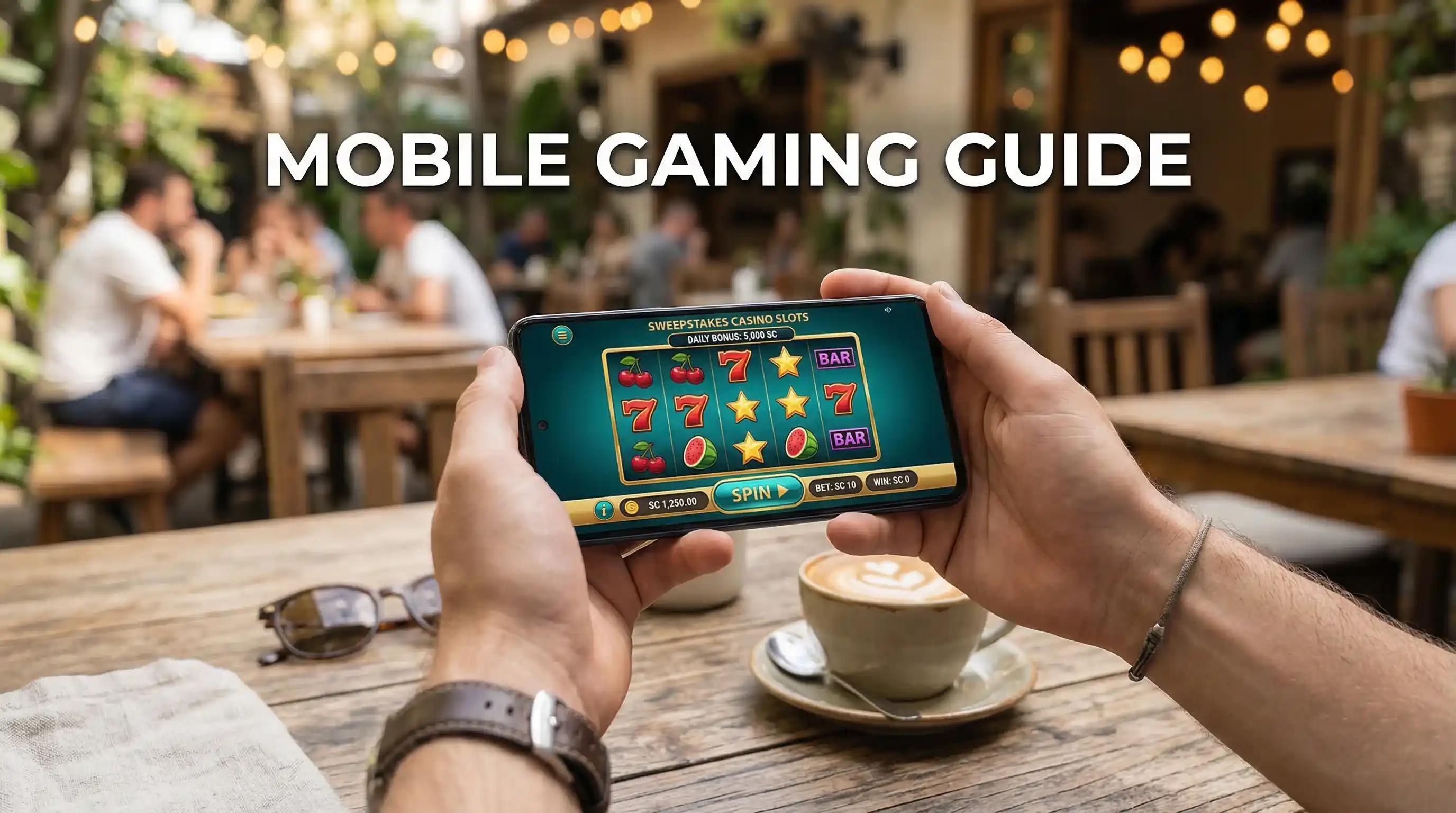
Play anywhere. That promise drives the mobile revolution in sweepstakes gaming, and the numbers back it up. The sweepstakes casino industry has grown at a compound annual rate of 60-70% since 2020, with mobile access serving as a primary catalyst for that expansion. Players no longer need desktop computers or dedicated gaming sessions—a smartphone and a few spare minutes are enough to spin slots, claim daily bonuses, or redeem winnings from virtually any location.
But mobile sweepstakes gaming comes with its own considerations. App availability varies between iOS and Android platforms. Some casinos offer native apps through official stores while others rely on mobile-optimized websites or direct APK downloads. Understanding these options, their tradeoffs, and how to optimize your mobile experience helps you play anywhere without sacrificing functionality or security.
iOS Apps: Finding and Installing
Apple’s App Store maintains strict policies around gambling and gambling-adjacent applications, which creates a mixed landscape for sweepstakes casino apps on iPhone and iPad. Some sweepstakes casinos have successfully published native iOS apps that passed Apple’s review process. These apps appear in standard App Store searches, install like any other application, and receive automatic updates through the normal iOS mechanisms.
Finding legitimate sweepstakes casino apps requires careful searching. Apple’s guidelines technically permit sweepstakes apps that comply with local laws and don’t involve real-money gambling, but the line between sweepstakes and gambling remains contested. Apps that exist today may disappear tomorrow if Apple changes its enforcement interpretation. Always verify that an App Store listing corresponds to the actual casino’s official app by checking the developer name and cross-referencing with the casino’s website.
For casinos without App Store presence, iOS users can access mobile-optimized websites through Safari or other browsers. These web apps function similarly to native apps and can even be added to your home screen for one-tap access. To create a home screen shortcut, navigate to the casino’s website in Safari, tap the share button, and select “Add to Home Screen.” The resulting icon launches directly into the mobile site, bypassing the need to type URLs or navigate from bookmarks.
Progressive Web Apps (PWAs) offer a middle ground between native apps and basic mobile websites. Some sweepstakes casinos deploy PWAs that provide app-like experiences—offline capability, push notifications, and full-screen interfaces—without requiring App Store approval. When you visit these sites, iOS may prompt you to install the PWA, or you can manually add it to your home screen. PWA functionality continues improving with each iOS update, narrowing the gap between web-based and native app experiences.
Sweepstakes Casino Apps — More on this topic at free sweepstakes casino.
Android Apps: Download Options
Android offers more flexibility than iOS for sweepstakes casino installations. Google Play Store hosts some sweepstakes casino apps, though availability fluctuates based on Google’s evolving policies toward gambling-related content. Like Apple, Google periodically reviews and removes apps that fall into gray areas between sweepstakes and gambling. Check the Play Store first, but don’t be surprised if your preferred casino isn’t listed.
Direct APK downloads provide an alternative when Play Store apps aren’t available. Many sweepstakes casinos offer Android applications as downloadable APK files directly from their websites. Installing these requires enabling “Install from Unknown Sources” in your Android settings—a security permission that allows applications from outside the Play Store. Navigate to Settings, then Security or Privacy, and enable the relevant option. Some newer Android versions require granting this permission on a per-app basis rather than system-wide.
Security considerations matter when installing APKs. Only download from the casino’s official website, never from third-party APK repositories or forums. Verify the URL matches the legitimate casino domain before downloading. Legitimate operators provide APK downloads prominently on their sites, often with installation instructions specific to various Android versions. If you can’t find an APK link on the official site, the casino probably intends for you to use their mobile web version instead.
After installation, APK-based apps won’t update automatically through the Play Store. You’ll need to download and install new versions manually when the casino releases updates. Some apps include built-in update notifications, while others require you to check the website periodically. Keeping your app current ensures access to new features, security patches, and optimal performance.
Native Apps vs Browser Play
Native apps and mobile browsers each offer distinct advantages for sweepstakes gaming. Native apps typically deliver smoother performance, faster load times, and better integration with device features like push notifications and biometric login. Games often run more fluidly in native apps because they can leverage device hardware more directly than browser-based alternatives. If your preferred casino offers a quality native app, it’s usually the superior choice for regular play.
Browser-based play counters with convenience and flexibility. No installation required means you can access your account from any device with a browser—useful when using someone else’s phone or a new device where you haven’t installed the app yet. Browser play also sidesteps storage limitations on devices with limited space. The sweepstakes casino market, now generating over $10.6 billion in annual gross revenue, has invested heavily in mobile web optimization, meaning browser experiences have improved dramatically in recent years.
Some players maintain both options. Install the native app for primary use, benefiting from its performance advantages and push notification support. Keep the browser option available as a backup or for quick access on secondary devices. This dual approach maximizes flexibility while prioritizing the best possible experience for regular sessions.
Cross-platform consistency remains strong regardless of access method. Your account balance, bonus progress, and redemption status sync across all access points. Starting a session on your phone’s native app and finishing on your tablet’s browser works seamlessly. The underlying account data lives on the casino’s servers, not your local device, ensuring continuity across platforms.
See also Crypto Payouts at Sweepstakes Casinos.
Mobile-Exclusive Bonuses
Many sweepstakes casinos offer enhanced bonuses for mobile users, particularly for app downloads. These promotions incentivize players to install native applications rather than relying solely on browser access. Common mobile-exclusive offers include additional Sweeps Coins on first app purchase, bonus Gold Coins for downloading, or exclusive promo codes only redeemable through the app interface.
Registration timing matters for maximizing mobile bonuses. Some casinos reserve their best mobile offers for new accounts created directly through the app. If you register on desktop first and then download the app later, you may miss app-exclusive signup packages. Before creating an account anywhere, check whether the casino’s app offers different bonuses than the website. A few minutes of comparison shopping can yield meaningfully better starting packages.
Daily login bonuses sometimes include mobile-specific components. Logging in via app might award extra Gold Coins compared to browser logins, or trigger exclusive bonus wheels and mini-games only available on mobile. These incremental advantages compound over time for regular players who consistently access through mobile apps rather than desktop browsers.
Troubleshooting Common Issues
Installation failures frustrate new mobile users but usually stem from fixable causes. On Android, “Parse Error” messages indicate incompatible APK versions—try downloading the APK again or check that your Android version meets the app’s minimum requirements. On iOS, installation blocks often result from geographic restrictions; the app may be unavailable in your region or your App Store account may be registered to a different country than your current location.
Performance problems during gameplay typically relate to device resources or connectivity. Close background applications to free memory and processing power. Switch from cellular data to stable WiFi when possible, especially for graphics-intensive games. If games consistently lag or crash, clear the app’s cache through your device settings, or uninstall and reinstall the application entirely. Older devices may struggle with newer game graphics—consider using browser play as an alternative if your phone can’t handle the native app smoothly.
Login issues across devices occasionally arise when security systems flag unusual access patterns. If you normally play on one device and suddenly attempt to login from another, the casino may require additional verification. Keep your registered email accessible for verification codes, and consider enabling two-factor authentication proactively to smooth multi-device access. Play anywhere means preparing your account for anywhere access before you actually need it.
Created by the "Free Sweepstakes Casino" editorial team.